Warenkorb
Dein Warenkorb ist leer
Weiter einkaufen
Drawer menu
The Marstek B2500 often switches itself off due to overheating, loose cables, faulty power supply, or outdated firmware. First, check the red LED (blinking: overheating or error), clean fans, perform a reset (switch off for 10 seconds), and update the app firmware. Does the problem persist? Consider reliable alternatives such as SunEnergyXT from DRBO Greenenergy with German support and Trustpilot 4.6/5.
Check: Solar Mounting Accessories
The Marstek B2500 primarily switches off due to overheating of dusty fans, loose cable connections, or firmware issues. Direct sunlight or weak WiFi exacerbate this. Quick check: measure temperature, secure cables, and check app status to prevent shutdowns.
Overheating occurs especially during intensive use, for example in winter with dynamic tariffs like Tibber or aWATTar, where the storage unit is heavily utilized. Dust in the fans blocks cooling, leading to automatic shutdowns. Loose Schuko plugs or faulty MC4 connections interrupt the power supply and trigger protection mechanisms. Outdated firmware causes instabilities that take the device offline. Regular checks prevent this: clean fans and inspect cables monthly. For tenant setups on balconies, dirt is a common factor.
The red LED on the Marstek B2500 signals errors: short blinking indicates overheating, long blinking indicates battery or grid problems. Green means normal operation. Immediately switch off, cool down, and check the app for diagnosis.
| Blink Code | Meaning | Action |
|---|---|---|
| Red short blink (1-3x) | Overheating fan/dust | Clean fan, provide shade |
| Red long blink (4-6x) | Battery error or voltage problem | Perform reset, check app status |
| Solid red | Grid or feed-in error | Check cables, test grounding |
| Green blinking | Normal operation/charging | No action needed |
Observe the LED for 5 minutes after startup. A common code for "balcony power plant storage blinks red": overheating – immediately disconnect the device and let it cool down. Measure the device temperature with a thermometer; above 60°C is critical. App logs provide detailed codes. This helps with quick error diagnosis and prevents consequential damage.
Reset the Marstek B2500: unplug for 10 seconds, wait 1 minute, plug in, and re-pair the app. Test WiFi and feed-in afterward. Avoid overfeeding above 800 W.
For tenant installations, the reset prevents legal problems due to overfeeding. After the reset, test WiFi signal strength – reposition if below 50%. This often resolves "marstek b2500 does not feed in" errors.
The Marstek B2500 goes offline due to weak WiFi, server outages, or firmware bugs, which triggers shutdowns. Restarting the router, re-pairing, and clearing the app cache quickly fixes it.
Check: SunEnergyXT B215 Solar Storage
App connectivity problems are common for dynamic tariff users like Tibber, as constant data transmission fails. Weak WLAN (under 2 bars) or 2.4 GHz issues cause this. Solution: reboot router, move device 5m closer. Marstek server outages last for hours – check offline mode. Optimize long-term stable connections for self-consumption.
Fix feed-in errors on Marstek B2500 due to loose cables or overheating: check plugs, limit power to 600-800 W, update firmware. Check grounding.
Step-by-step: Inspect all cables for cracks, press Schuko plug firmly. Avoid overfeeding – limit app to 800 W (legally for tenants). If "marstek b2500 does not feed in": test grounding with a multimeter. Persistent? Force firmware update. Regular checks prevent failures.
SunEnergyXT BK215 PLUS from DRBO Greenenergy is fanless (IP65), offers >10,000 cycles and German support – ideal as an upgrade to the Marstek B2500.
"As an authorized dealer of SunEnergyXT, we recommend our refurbished BK215 PLUS systems for repeated failures of the Marstek B2500. With 2.15 kWh capacity, expandable up to 17.2 kWh, an aerosol fire extinguishing system and app integration (Home Assistant-compatible), they are winter-proof and reliable. Trustpilot 4.6/5 confirms: fast, reliable. 0% financing via OpenBank and free consultation make getting started easy." – DRBO Greenenergy Expert Team
| Criterion | Marstek B2500 | SunEnergyXT 500 Series (DRBO) |
|---|---|---|
| Reliability | Fan-dependent, frequent failures | Fanless, IP65, -20°C to +55°C |
| Cycles/Lifespan | Unknown | >10,000 cycles (~30 years) |
| Support | International | German team on site |
| Price (Basic) | Medium | €1,299 (5 kWh, pre-sale saving €400) |
| Expandable | Limited | Up to 30 kWh with B500 |
DRBO Greenenergy supplies tenants and homeowners with complete kits such as the Tenant Starter Set (€1,548, RRP €1,798). The SunEnergyXT 500 PRO (2,400 W on-grid) is suitable for dynamic tariffs. Refurbished options reduce costs without loss of quality.
Avoid future shutdowns: clean fans monthly, update firmware, limit power. Observe 2026 rules – expandable up to 7 kWp with stable kits.
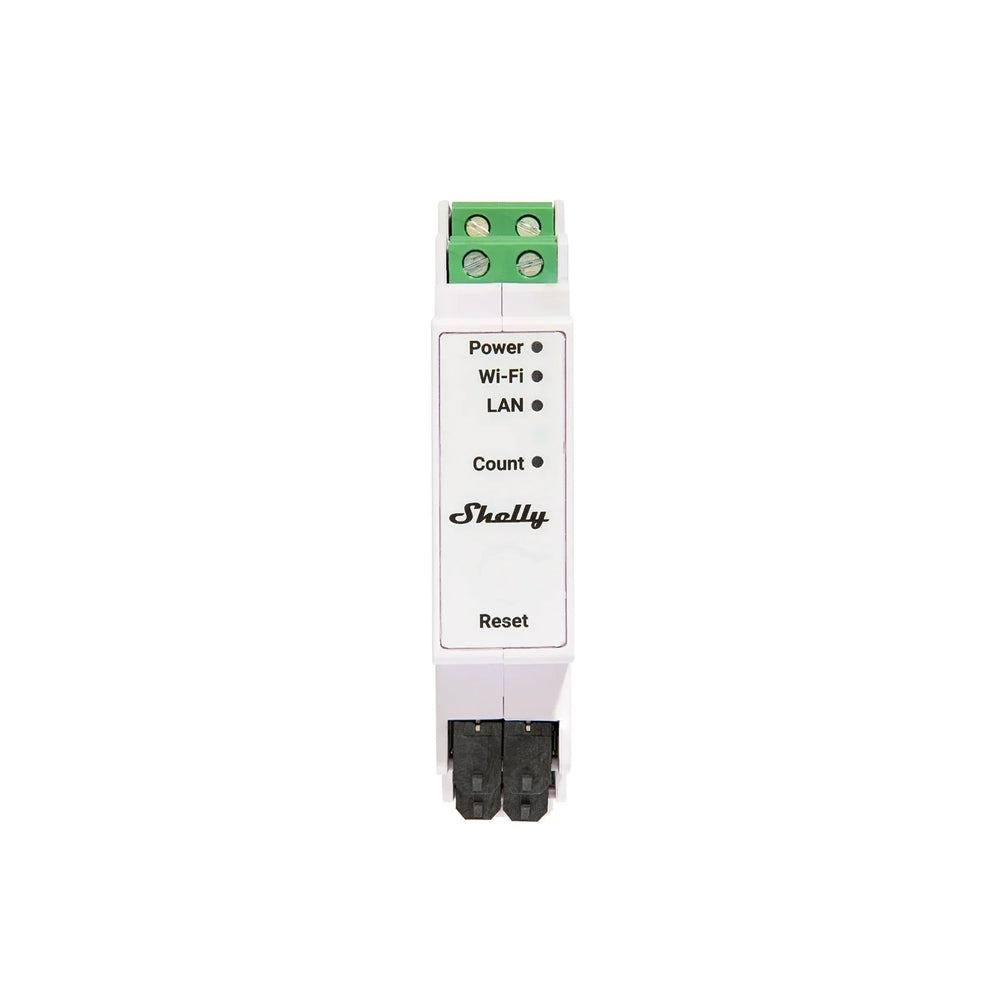
Interactive checklist: note LED, measure temperature, check cables. For dynamic tariffs, choose DRBO sets that support zero feed-in with Shelly Pro 3EM.
Yes, firmware updates often fix "marstek b2500 red LED blinks" or shutdowns: open app, download update, install for 5-10 min. Only temporarily effective for hardware.
Instructions: Pair device online, search for app update, do not interrupt. Common fixes for offline or feed-in problems. Limitations: battery defects require replacement. DRBO Greenenergy recommends SunEnergyXT with local API and Home Assistant as a no-fail alternative, including EVE LiFePO4 cells and 4 MPPT trackers.
Quick fixes like LED diagnostics, reset, and firmware updates help the Marstek B2500 in the short term, but for longevity, DRBO Greenenergy experts recommend SunEnergyXT solutions. With Trustpilot 4.6/5, refurbished storage from €749, 0% financing, and German support, you can safely advance the energy transition. Book a free consultation or discover complete kits.
Immediately cool down, perform reset (switch off for 10 seconds), check firmware. Persists? Contact support or upgrade to SunEnergyXT BK215 PLUS from DRBO Greenenergy.
Unplug for 10 seconds, wait 1 minute, restart, and pair app. Then test feed-in – detailed in reset section.
Loose cables, overheating, or limitation. Secure cables, set power to 800 W, perform update.
Mostly overheating, not a fire hazard. Switch off, cool down, and fix the cause – no panic.
SunEnergyXT from DRBO Greenenergy: Fanless, IP65, >10,000 cycles, 0% financing, German support, and complete kits from €269.
Persönliche Fachberatung
